React Patterns
10 min readI Thought I Knew React… Until I Didn’t 😅
Everything was working… but the code was getting messy.
At first, I ignored it. Features were shipping, UI looked fine. But internally, the codebase was slowly becoming harder to manage.
That’s when I realized — working code ≠ good code.


What Went Wrong?
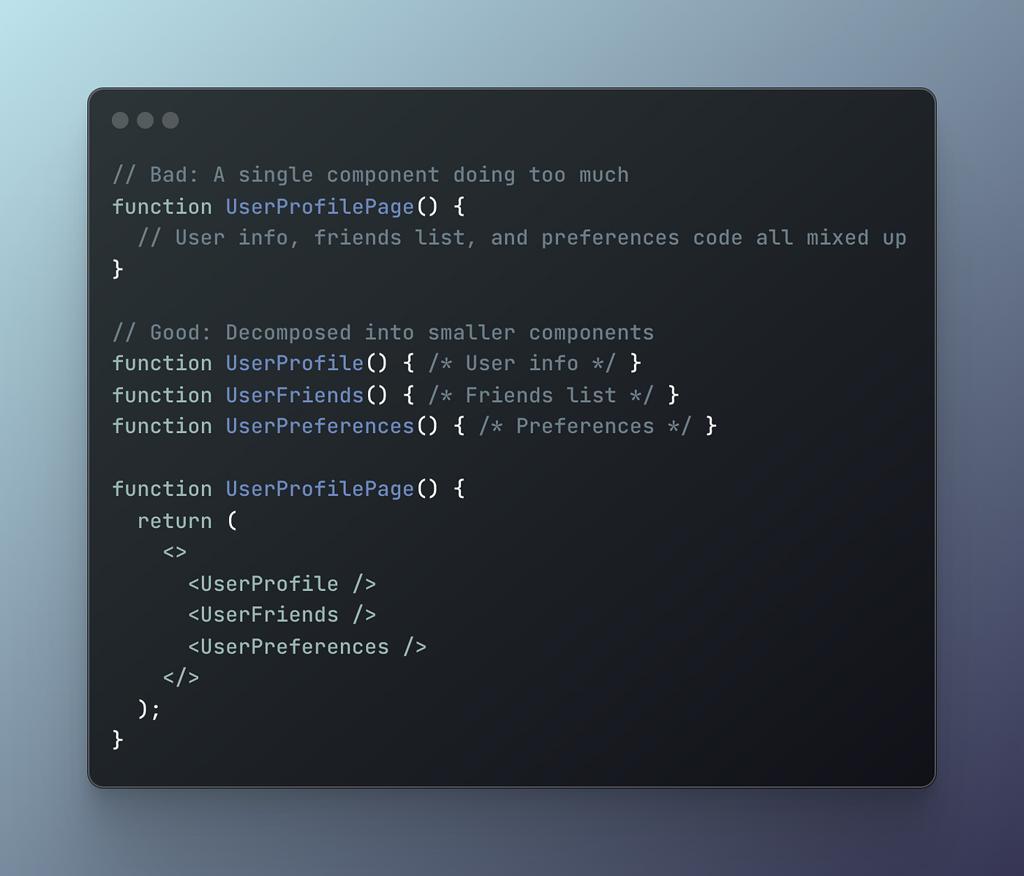
- Components became huge 😵
- Logic + UI mixed
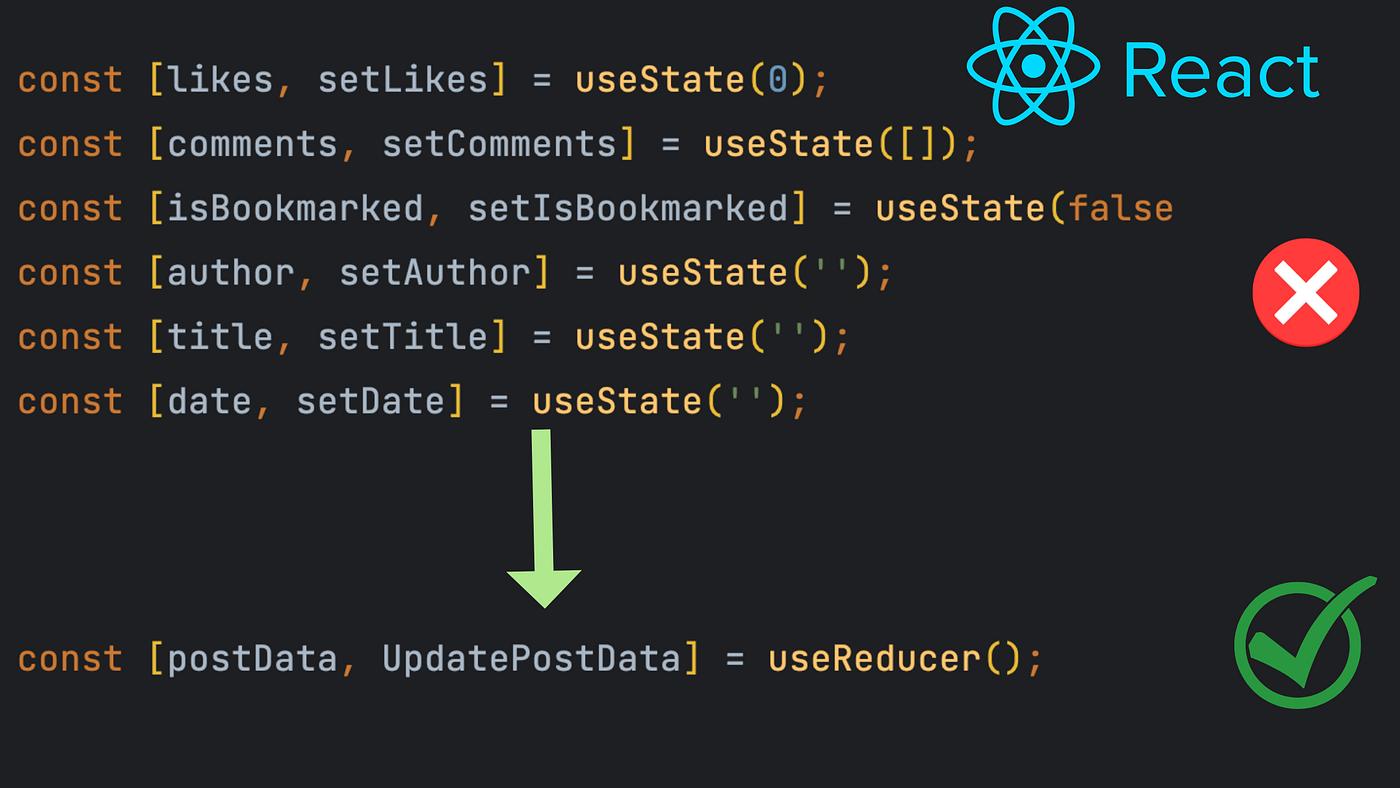
- Hard to maintain
- Reusability almost zero
- Small change → multiple bugs
The problem wasn’t React… it was how I was structuring my code.
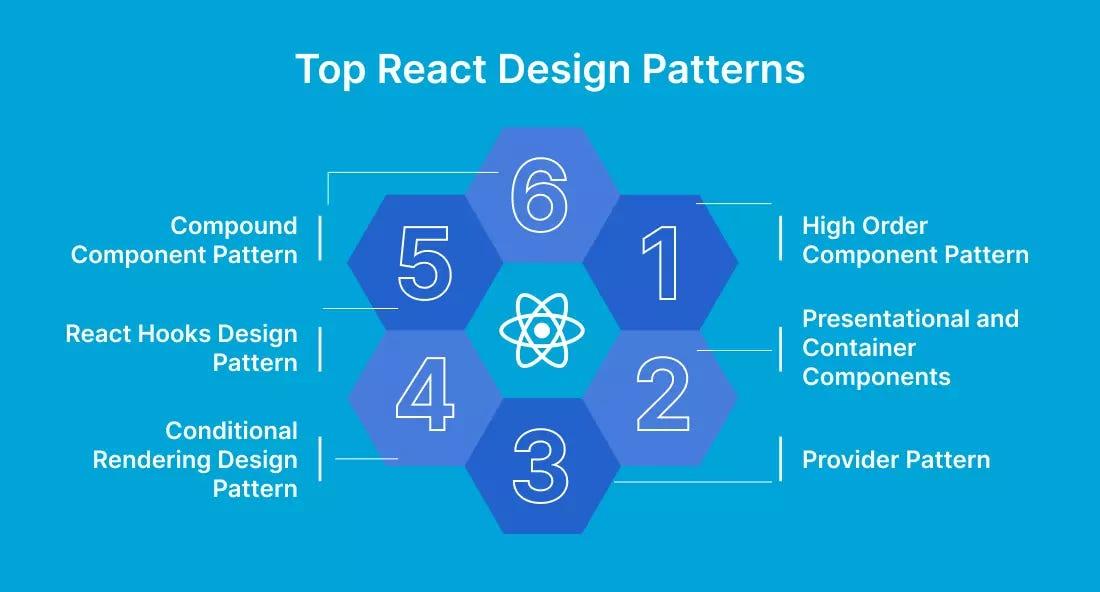
What are React Patterns?
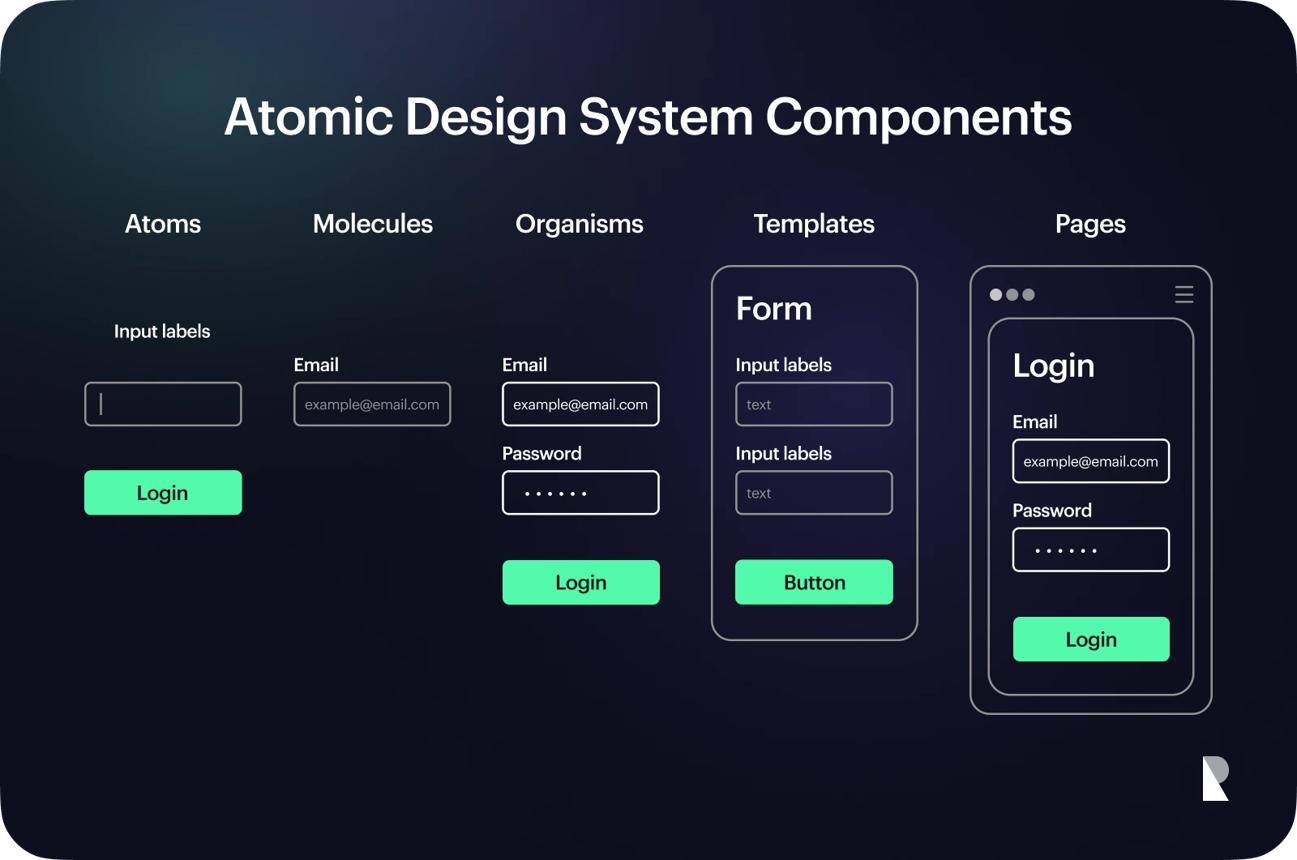
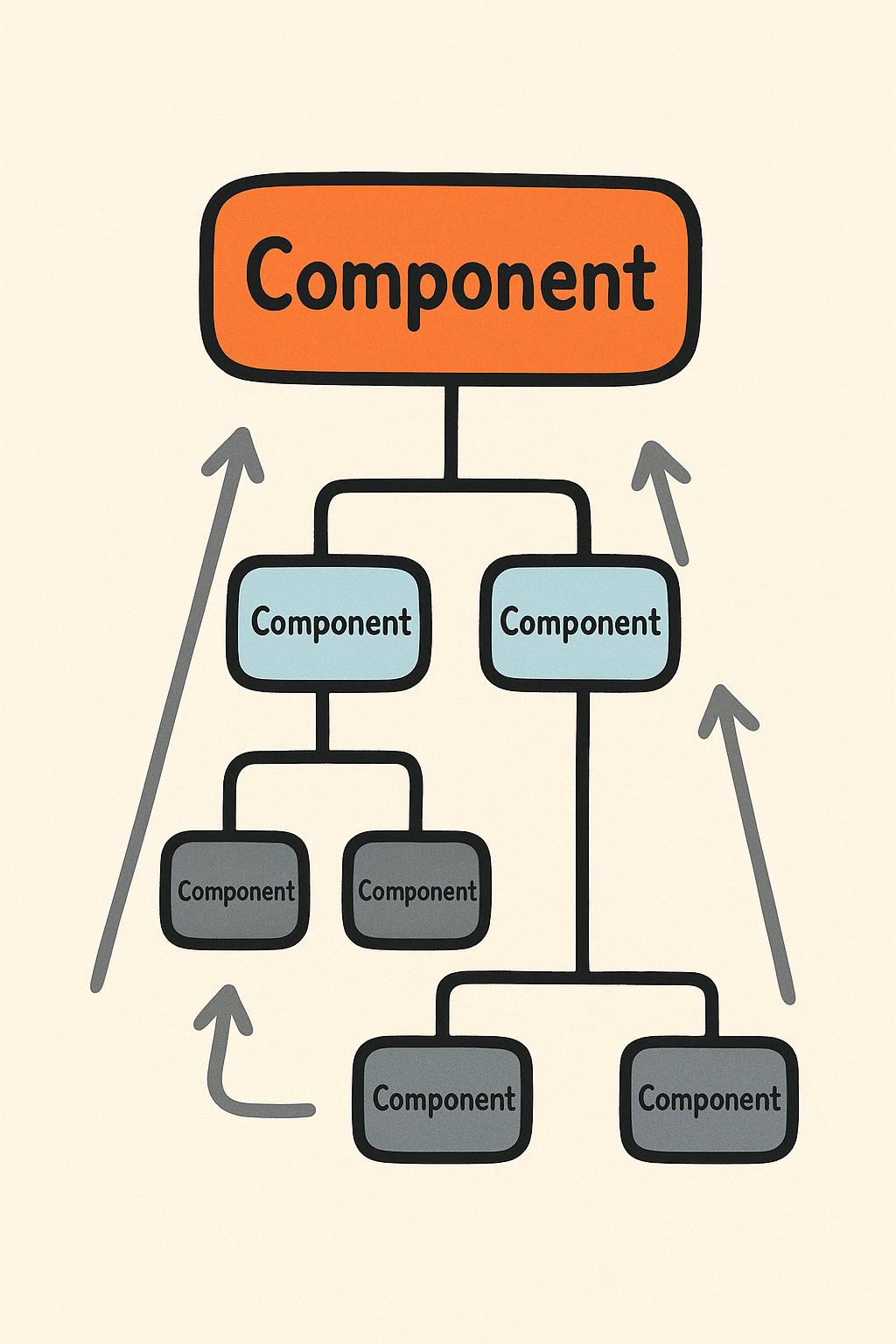
React patterns are proven ways to structure your components and logic.
Think of them as blueprints — instead of reinventing the structure every time, you follow a system that is scalable and maintainable.
💡 Key Idea:
Patterns help you move from “just coding” → “engineering solutions”.
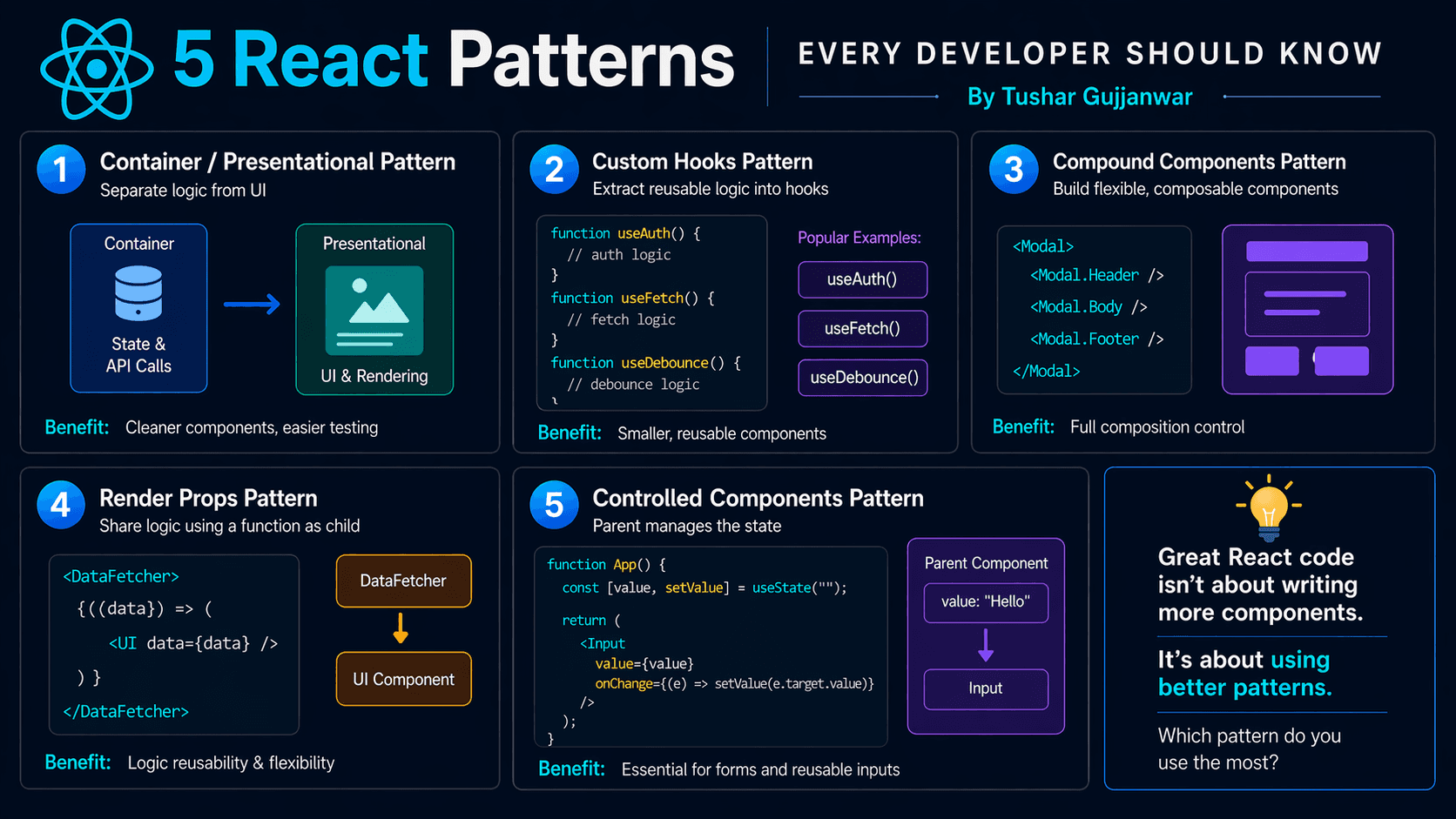
5 React Patterns 🚀
1️⃣ Container / Presentational
Separate logic (data, API, state) from UI (JSX rendering).
function UserContainer() {
  const [user, setUser] = useState(null);
  return <UserUI user={user} />;
}
✅ Best for: Large apps, reusable UI ⚠️ Avoid: Over-splitting small components
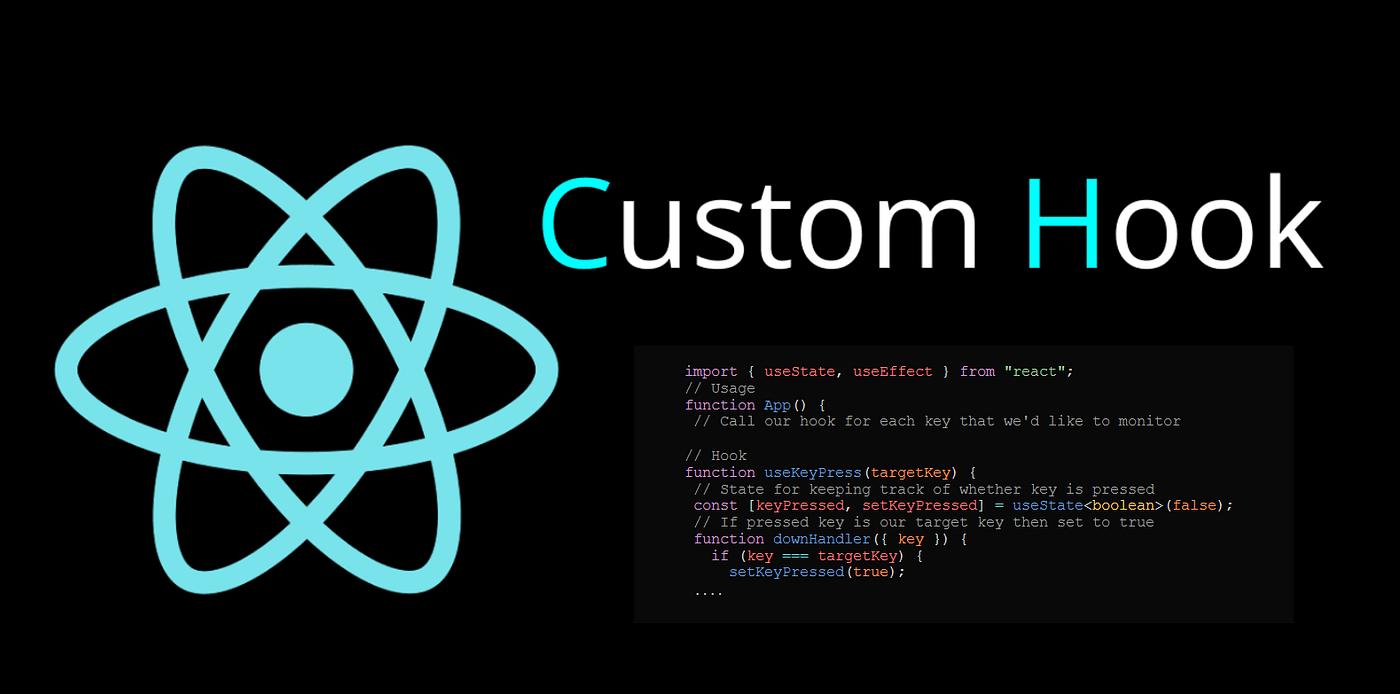
2️⃣ Custom Hooks
Extract reusable logic into functions.

function useUser() {
  const [user, setUser] = useState(null);
  return user;
}
✅ Best for: API calls, reusable state logic 💡 Most used pattern in real projects
3️⃣ Compound Components
Give users control over structure instead of forcing layout.

<Modal>
  <Modal.Header />
  <Modal.Body />
</Modal>
✅ Best for: UI libraries, design systems 💡 Used in: Tabs, Modals, Accordions
4️⃣ Render Props
Share logic using functions instead of components.

<DataFetcher render={(data) => <div>{data}</div>} />⚠️ Slightly older pattern 👉 Often replaced by Custom Hooks today
5️⃣ Controlled Components
Form state is controlled by React instead of DOM.

<input value={value} onChange={onChange} />✅ Best for: Forms, validation 💡 Predictable + easier debugging
Common Mistakes ⚠️
- Using patterns blindly
- Over-engineering small components
- Not understanding trade-offs
- Mixing multiple patterns unnecessarily
Mindset Shift 💡
❌ “How do I build this component?”
✅ “Which pattern fits this problem?”
This one question alone will change how you write React forever.
Final Thought
Don’t just write components… design scalable systems.
That’s the difference between a coder and a developer 🚀
Ready to Level Up Your React Game? 🚀
Learning patterns is just the beginning. The real growth happens when you apply them in real-world problems.
If you want to go deeper and build production-level React skills, check out these practical guides 👇
Keep Exploring 👇
If you found this useful, you might enjoy these related reads as well:
More patterns, more clarity, better code.
Don’t just learn React… build like a pro.